Snapchat Is Using Your Personal Data To Train AI Tools
-

- by Super Admin,
- Jan 15, 2026
- in Technology
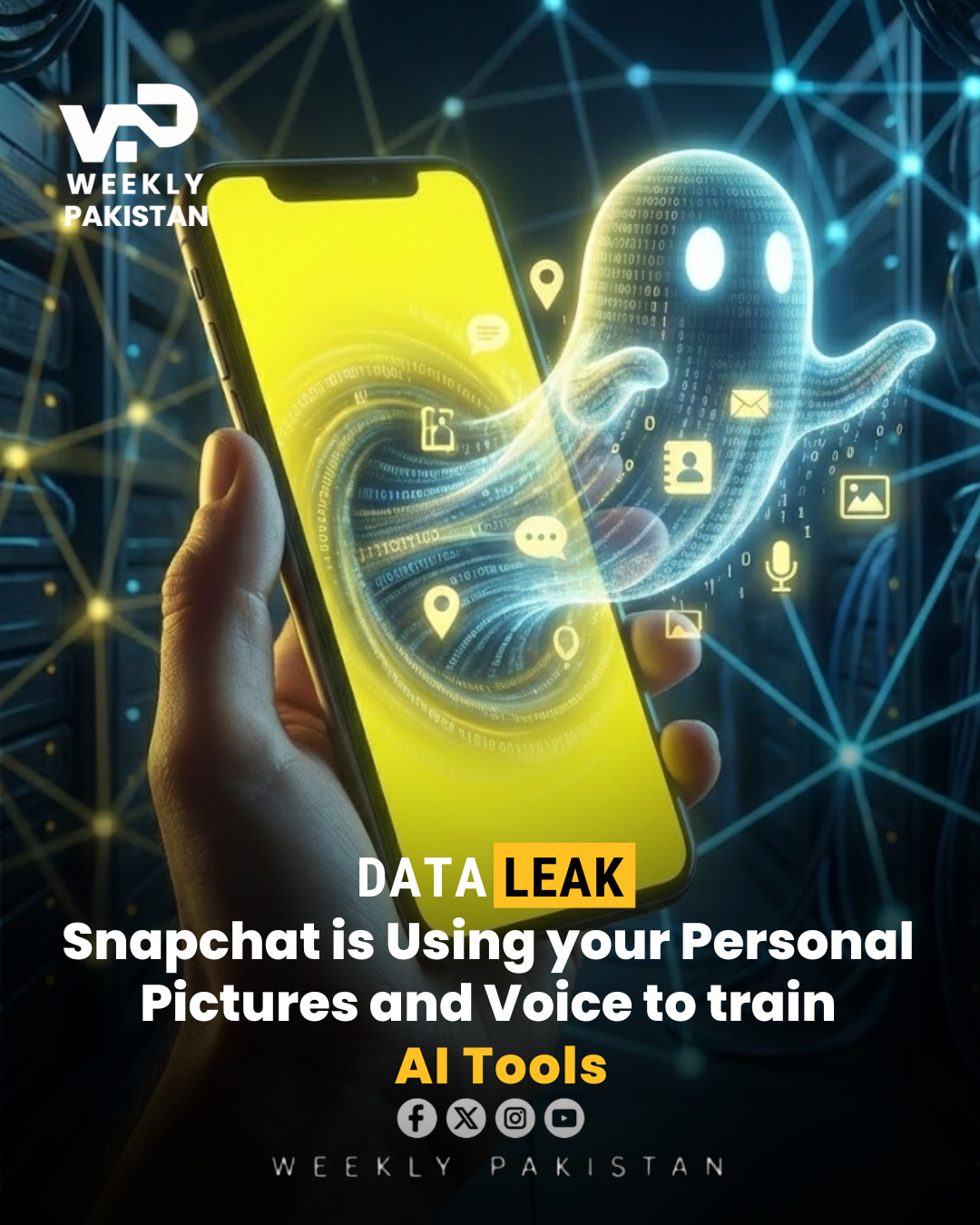
In the rapidly evolving landscape of social media, user privacy is often the price paid for the advancement of new technological features. A significant detail regarding the internal settings of Snapchat has recently come to light, raising important questions about how user data is utilized to fuel the growth of artificial intelligence. It has been revealed that the platform currently operates with a specific privacy setting switched on by default, which explicitly grants the application permission to use your public content to train its various AI tools. This effectively means that the photos, videos, and interactions you share publicly, such as those on Spotlight or public stories, are being fed into the system to help teach and refine their generative AI models without your direct prior consent.
For the average daily user, this mechanism remains largely invisible and goes unnoticed. Most people simply open the application to connect with friends or share moments, completely unaware that their digital contributions are serving a secondary purpose for the company’s software development. It is important to clarify that this situation is not necessarily a cause for panic, nor is it a suggestion to stop using the platform altogether. Instead, the core issue is about transparency and the user's right to choose. In an era where personal data is a highly valuable commodity, understanding how to manage these permissions is crucial for anyone who wishes to maintain strict boundaries around their personal digital footprint and intellectual property.
If you are uncomfortable with the idea of your content being used to train machine learning algorithms, you have the full right to disable this feature, though the company does not make the toggle immediately obvious to find. Navigating through the various layers of the settings menu to locate this specific option can be confusing for those unfamiliar with the layout of the privacy center. To assist you in reclaiming control over your data, we have created a straightforward visual resource to help you navigate the app. You can follow the exact procedure by watching this
0 Comments
Leave a Reply
📰 You May Also Like

Is AI Taking Jobs Of Doctors?
Jan 19, 2026
Musk Launches XChat To Rival WhatsApp
Jan 12, 2026
70% Pakistan Households Use Internet Services
Jan 06, 2026
No comments yet. Be the first to comment!