

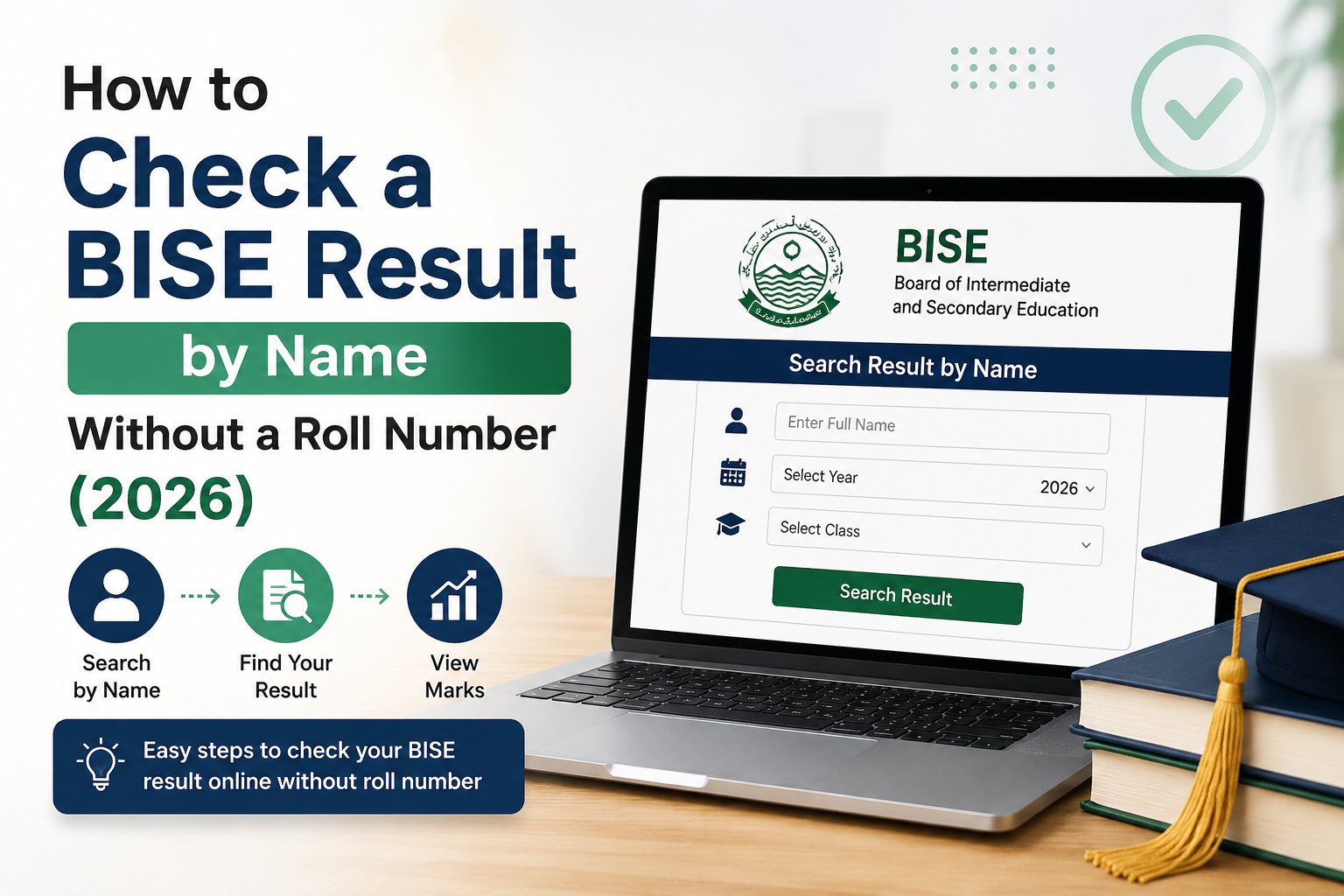
Every result season, a large share of students arrive at the board portal without the one thing it asks for: their roll number. The slip is at school, or lost, or was never collected. Searching by name feels like the obvious fallback, and thousands of students search exactly that phrase every week.
Here is the honest position. Pakistani education boards index results by roll number, not by name. Some boards offer a name search; many do not. But there are three methods that work, and at least one of them will get you your marks today.
Method 1: Try the board's own name search
A minority of BISE portals include a "Search by Name" or "Student Name" field alongside the roll number box. Where it exists, it is the fastest route.
- Open your board's official result page — every board's link is on its hub page, listed at the bottom of this article.
- Look for a name field or a "search by name" tab. If the page only has a roll number box, skip to Method 2.
- Type your name exactly as it appears on your admission form, not as you normally write it.
Spelling is where most name searches fail. Board records are typed from the admission form, so "Muhammad" may be recorded as "Mohammad", a middle name may be missing, and a father's name may be attached where you did not expect it. Try the shortest version of your name first — a first name alone usually returns a list you can scan — rather than the full string.
Method 2: Search the result gazette (this is the one that always works)
The gazette is the complete official list of every candidate in the examination, published as a PDF, showing roll numbers, names and marks. It exists for every board and every session, and because it is a document rather than a database lookup, you can search it however you like.
- Open the gazette link on your board's hub page, or the "Gazette" section of the board website. Gazettes are usually split by class and by group, so pick the right one — SSC Part II, HSSC Pre-Medical, and so on.
- Wait for the PDF to finish loading. Gazettes are large files and a partially loaded document will not search properly.
- On a computer press Ctrl+F. On a phone, open the browser menu and choose "Find in page".
- Type your name and step through the matches.
Two tips that save a lot of frustration. Search a distinctive part of your name rather than the whole thing — an unusual surname beats a common first name. And if the gazette is split into several PDFs by roll number range, ask a classmate for their roll number; yours is almost certainly in the same range, which tells you which file to open.
The gazette has a second advantage: it shows the marks of everyone in your centre, which is how students work out where they stand before any merit list is published.
Method 3: Recover the roll number from your school or college
This is the method students skip, and it is often the quickest of the three. Your institution holds the roll number slips it distributed, the admission list it submitted to the board, and usually a printed copy of the gazette. A single phone call to the examination clerk normally produces your roll number in a couple of minutes.
Private candidates who have no institution can contact the board's own helpline or visit the board office with their CNIC or B-Form and their admission form receipt. The board can retrieve a roll number against a registration number.
Once you have the roll number, use it. Every board supports roll number lookup, the result loads instantly, and you get a proper marks sheet you can download rather than a line in a PDF.
What you will need next time
The roll number slip carries your roll number, your registration number, your examination centre and its address. Photograph it the day you receive it and keep the photo somewhere you will find it again — that one habit removes this entire problem. Boards also publish downloadable roll number slips against your CNIC or registration number, which is worth knowing before the next session.
Beware of fake result pages
Result season attracts a swarm of sites that promise a "result by name" search and deliver nothing but ads, or worse, ask for a payment or an OTP. No education board in Pakistan charges a student to view their own result, and none needs a mobile verification code to display marks. Check the result on the board's own domain, or through a page that links directly to it. If a site asks you to pay, or to share a code sent to your phone, close it.
Once you have your marks
Convert them before you fill in any admission form. Percentage, grade and division are three different scales, and a student on 62 per cent holds a B grade and a 1st division simultaneously. The Marks Percentage Calculator works all three out from your marks, and our guide to how percentage, grades and divisions are calculated explains which figure each form is actually asking for.
If the total is lower than you expected, look at re-checking. It is a re-totalling exercise — the board confirms every question was marked and the addition is correct — so it recovers marks lost to an error rather than re-assessing your answers. Apply within the deadline printed on the result notification, usually 15 to 30 days.
Find your board
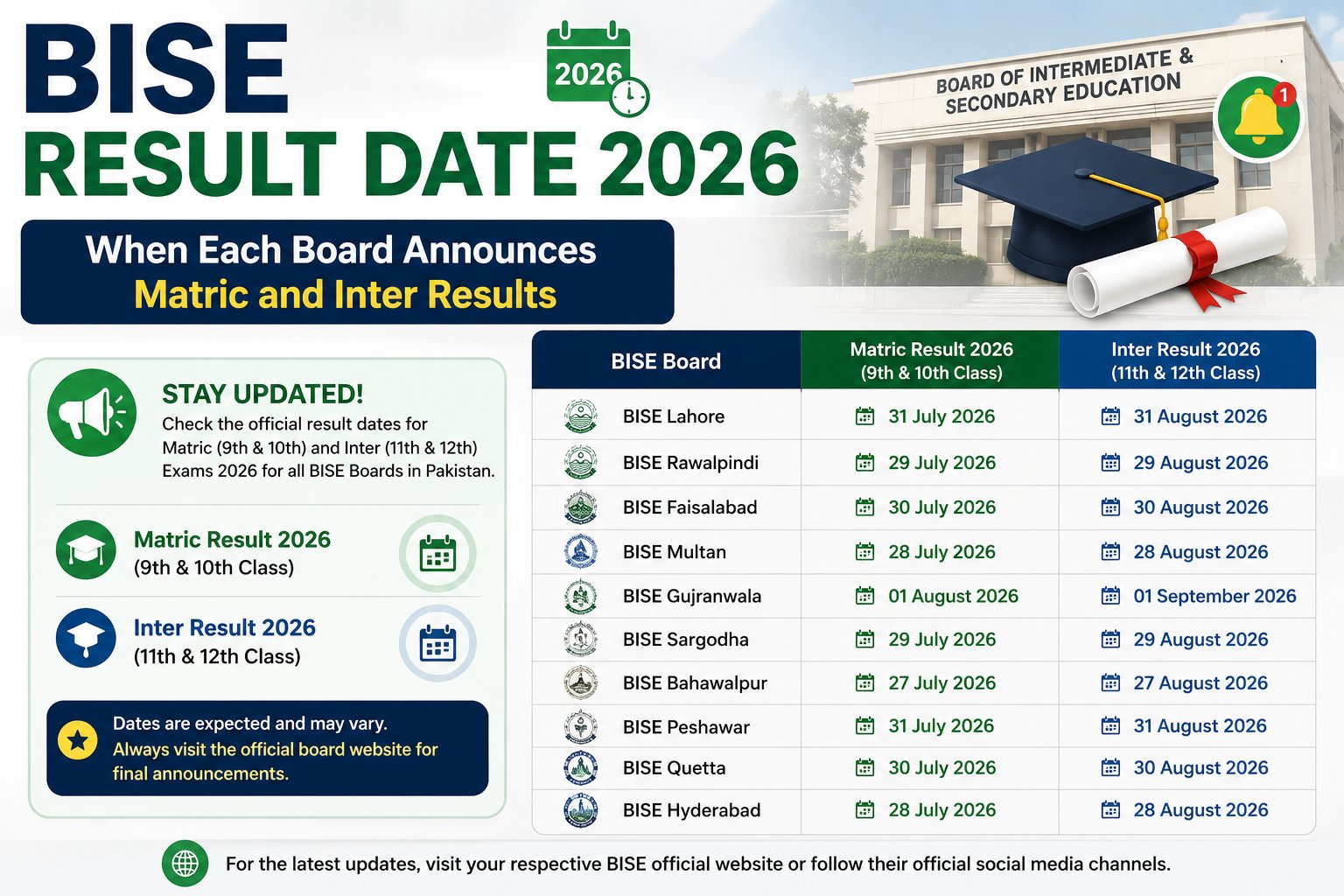
Each board hub below has a roll number checker, a by-name tab, gazette and roll number slip links, and the announcement schedule for that board.
- BISE Sukkur, BISE Hyderabad, BISE Larkana and BISE Mirpurkhas in Sindh
- BISE Lahore, BISE Sargodha, BISE Rawalpindi, BISE Multan and BISE Faisalabad in Punjab
- BISE Peshawar, BISE Swat, BISE Mardan and BISE Bannu in Khyber Pakhtunkhwa
- Every board in Pakistan, including Federal, Karachi, Quetta and Aga Khan


20 Comments
Leave a Reply